


Telecom & Network Backup Power Solutions
Size telecom backup power from the actual continuous network load, required backup duration and transfer-time requirements of the connected equipment.
Power the Network Devices That Must Stay Online
Backup power for telecom equipment should be built around the devices that keep the connection active, not around a generic wattage estimate.
Router & Gateway
Core routing, gateway and modem equipment that maintains the external connection.
Network Switches
Managed and unmanaged switches, including models supplying downstream PoE devices.
PoE Devices
Access points, IP cameras, VoIP phones and other powered network endpoints.
Monitoring & Communication
Remote monitoring, control, communication terminals and selected field-network equipment.
Calculate the Complete Network Load Before Sizing Backup Power
Start with the continuous load of routers, switches and communication equipment, then include downstream PoE demand and any additional network devices that remain active during an outage.
- Add the rated or measured load of equipment expected to run together.
- Include the switch's own consumption as well as its PoE output.
- Separate always-on network loads from optional devices.
- Define the required backup duration before selecting battery capacity.
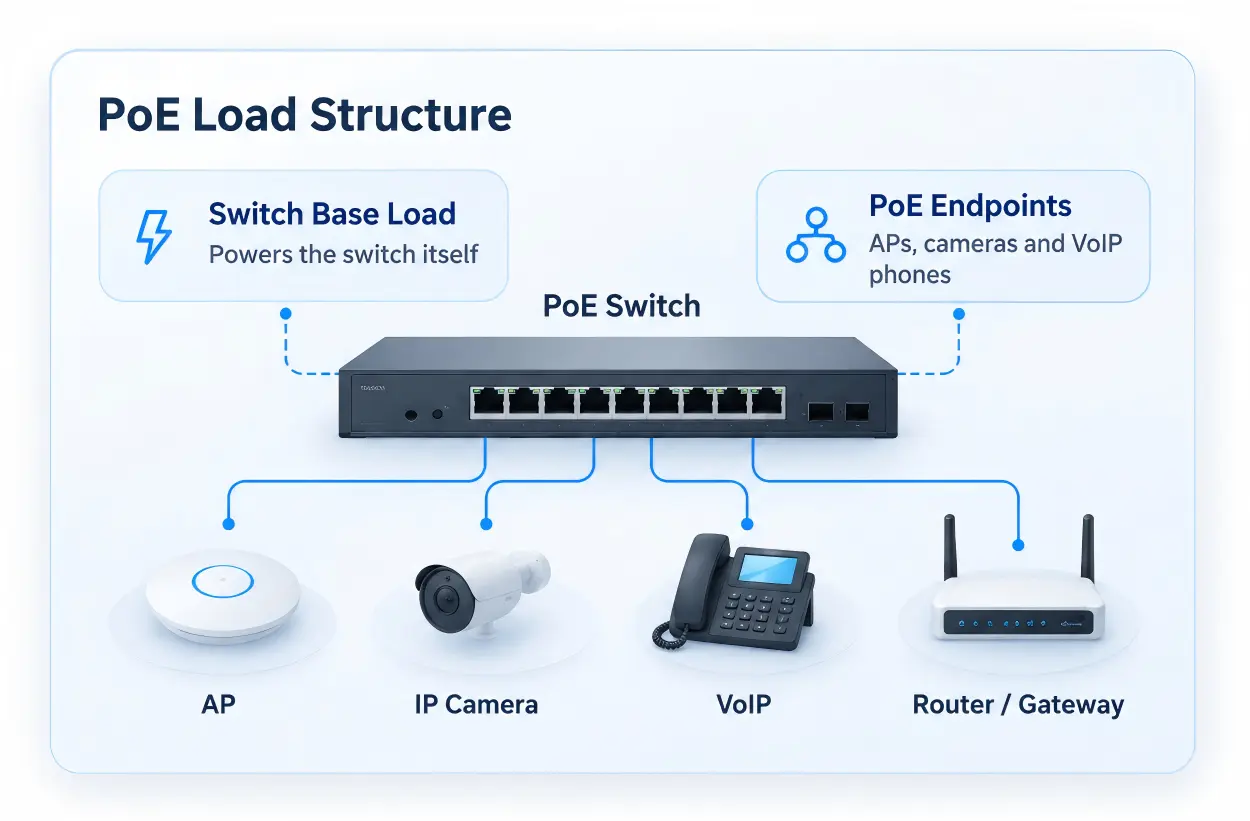
PoE Load Structure
Include PoE Devices in the Total Backup Load
A PoE switch can draw significantly more power when it is supplying multiple access points, cameras or other endpoints. Size the backup system from the complete network load rather than the switch label alone.
Plan Backup Duration Around Service Requirements
Short Outage Coverage
Keep routers, switches and essential communication equipment online through brief utility interruptions.
Extended Network Backup
Use more stored energy where branch networks, PoE equipment or remote monitoring must remain active for longer periods.
Remote Telecom Runtime
Use expandable or higher-capacity systems where service windows are infrequent and recharge opportunities are limited.
Check EPS Transfer Time Against Connected Equipment
Transfer time matters when a telecom backup power station is expected to support active network electronics during a utility interruption.
- Y1 Lite supports EPS transfer at ≤20 ms.
- PPY-C2048H supports EPS transfer at ≤20 ms.
- Connected equipment should be checked for its own tolerance to transfer interruption.
- EPS should not be presented as equivalent to an online UPS with zero transfer time.
Continuity Review
Telecom & Network Backup Options
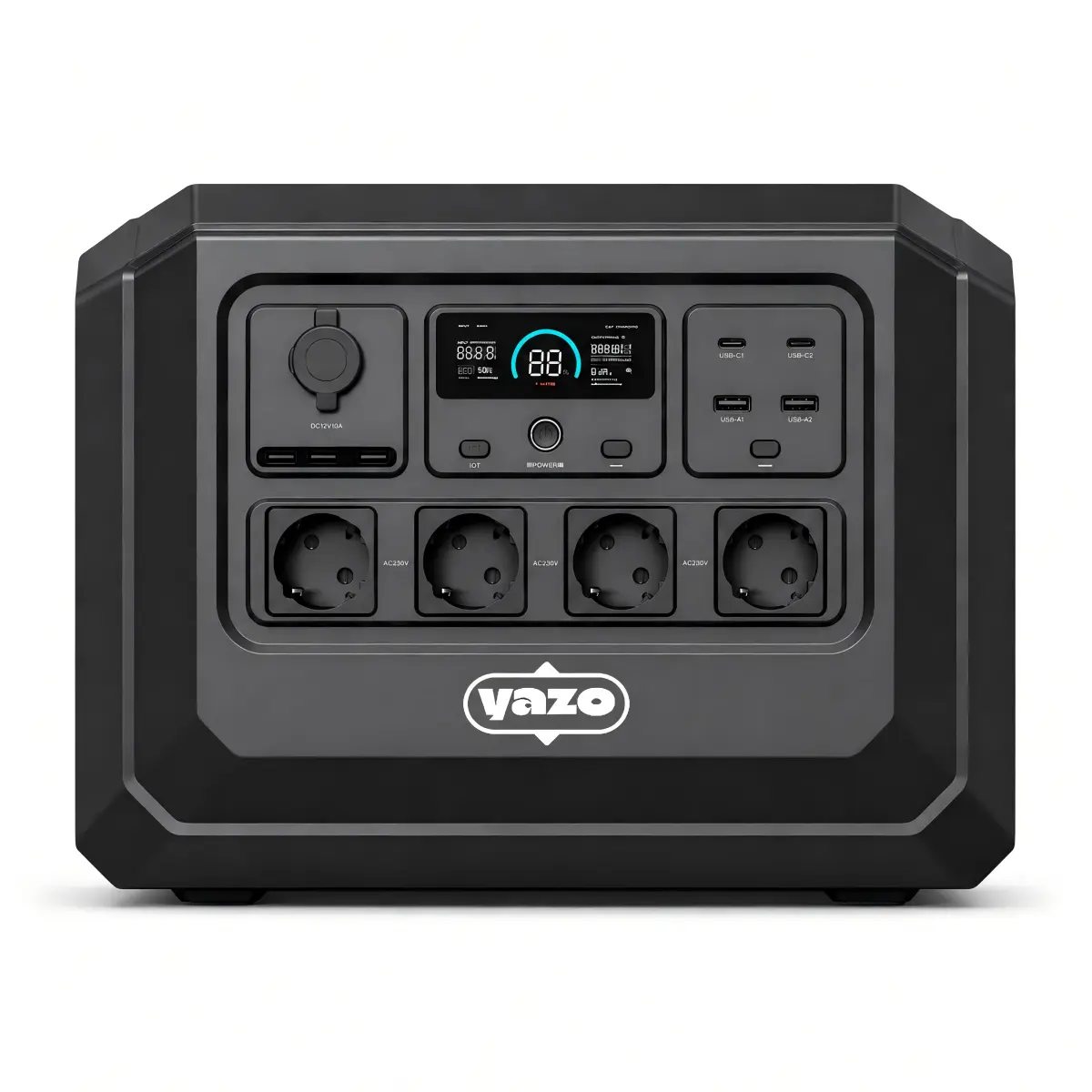
Y1 Lite
For routers, gateways, small switches, access points and compact communication systems where portability and short-to-moderate backup duration are priorities.
View Y1 Lite
PPY-C2048H
For larger network combinations, PoE switches, IP camera systems, monitoring equipment and branch-site backup requiring more stored energy.
View PPY-C2048H
Y3
For network rooms, surveillance systems and communication equipment where longer runtime and compatible expansion are more important than a rugged industrial enclosure.
View Expandable Home Backup Power Stations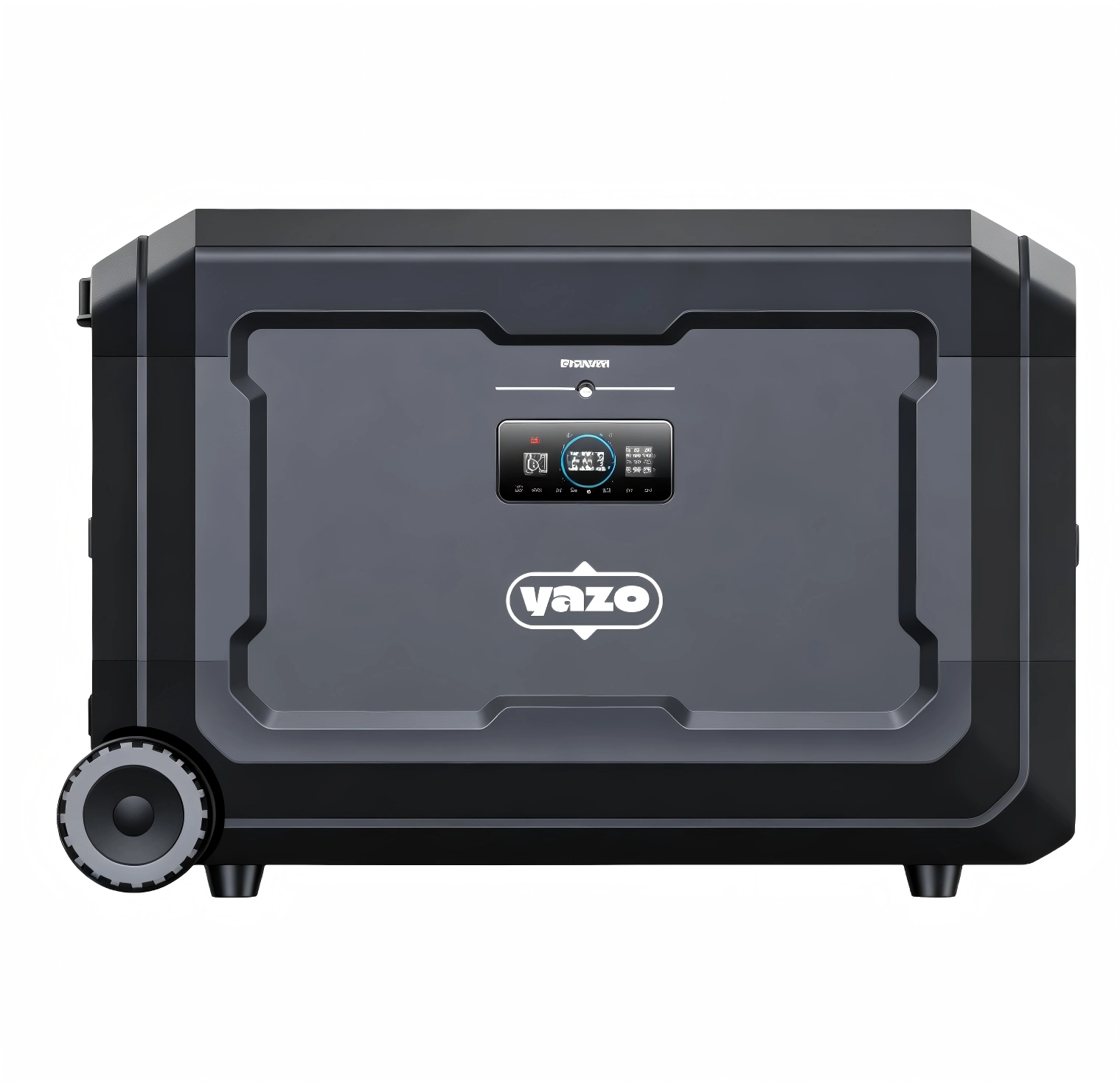
Y5
For larger network backup requirements, remote telecom equipment and longer service intervals where stored energy and expansion planning are the primary considerations.
View High-Capacity Backup Power StationsRuntime Package Structure
Extend Network Backup Duration with Compatible Batteries
Expansion batteries can increase stored energy around selected systems so the network can remain active longer without changing the rated AC output of the main unit.
- Use the main unit alone for shorter outage coverage.
- Add compatible expansion where longer runtime is required.
- Match battery quantity and connection method to the selected model.
- Do not assume expansion increases inverter output.
Recharge Remote Network Systems Between Service Windows
AC Recharge
Use utility or site power when available between outages or maintenance visits.
Vehicle-Supported Service
Plan recharge around field-service visits where the deployment has mobile support.
Solar Supplement
Use compatible portable solar where remote daytime charging adds value and input limits are confirmed.
Portable Solar for Selected Remote Telecom Sites
Portable solar can supplement backup power at remote network and communication sites where normal AC recharge is limited.
| Panel | Rated Output | Open-Circuit Voltage | Working Voltage | Max Working Current | Protection |
|---|---|---|---|---|---|
| 240W Foldable Monocrystalline Panel | 240W | 24.6V | 20.5V | 11.7A | IP65 |
| 100W Foldable Monocrystalline Panel | 100W | 24.6V | 20.5V | 4.88A | IP65 |
Use Protected Power for Remote and Field Network Deployment
Remote telecom and monitoring sites may require a more rugged platform than indoor branch-network backup.
- Construction or temporary communication sites
- Remote surveillance and monitoring
- Outdoor network equipment support
- Field communication projects

Confirm Voltage, Frequency and Socket Requirements
Destination Market
Confirm AC voltage, frequency and socket type before finalizing the backup configuration.
Connected Network Equipment
Check power adapters, switches, communication terminals and supporting electronics against the selected electrical version.
Deployment Standardization
Integrators and distributors can standardize one regional version for repeat network deployments.
Avoid Common Network Backup Planning Errors
Sizing from Router Load Alone
Include switches, PoE endpoints, monitoring and communication equipment that must remain online.
Ignoring PoE Power Budget
The switch's downstream PoE load can materially change total backup demand.
Treating EPS as Online UPS
Transfer time should be checked against connected equipment tolerance.
Planning Capacity Without Runtime
Battery capacity should be tied to the required outage or service duration.
Telecom Power for Contractors, Integrators and Distributors
Network Integrators
Build backup packages around network load, PoE demand, EPS requirements and required runtime.
Telecom Contractors
Configure portable backup for temporary sites, field communication and service projects.
Security Integrators
Support network switches, IP cameras, monitoring and communication equipment with the appropriate backup class.
Distributors
Standardize several backup tiers, regional versions, expansion options and project quantities.
OEM Telecom & Network Power Kits
We can review backup-power projects for telecom contractors, network integrators, security integrators, distributors and private-label programs.
Power Hardware
Power-station class, compatible expansion batteries, solar accessories and charging equipment.
Regional Configuration
Voltage, frequency and socket direction according to the destination market and connected equipment.
Commercial Customization
Branding, packaging, manuals and project documentation for distributor or private-label programs.
Telecom & Network Backup Questions
Get a Telecom Backup Power Recommendation
Provide the connected network equipment, continuous load, PoE requirements, target backup time and deployment environment. We can review the application and recommend a suitable power-station and battery configuration.
Please include:- Application type
- PoE load
- Router / switch model
- EPS requirement
- Device quantity
- Continuous watts
- Solar requirement
- Required backup time
- Voltage / frequency
- Destination country
- OEM / branding / packaging
-
Indoor / outdoor deployment
- Expansion battery requirement
- Quantity